
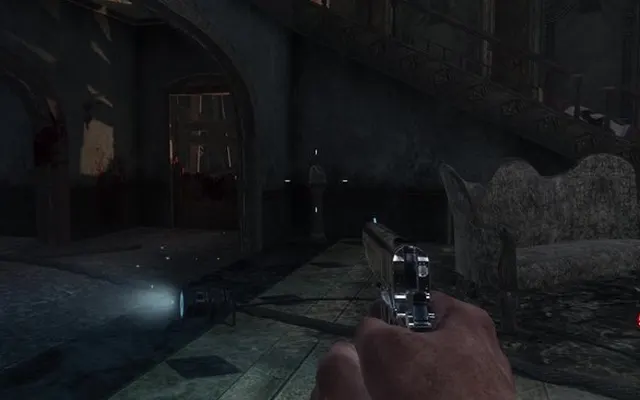
 ShootersBO1 Zombies
Radiant Optimizer · Browser games
Your next game. One click away.
Discover browser games, classic ports, and community projects. Some require your own game files.
- 39 games
- ✓ No directory account
- ↗ Direct project links
ShootersBO1 ZombiesBlack Ops 1 Zombies
A browser take on round-based zombie survival. Hold your position, manage your ammunition and see how long you last.
39 games
ShootersBO1 Zombies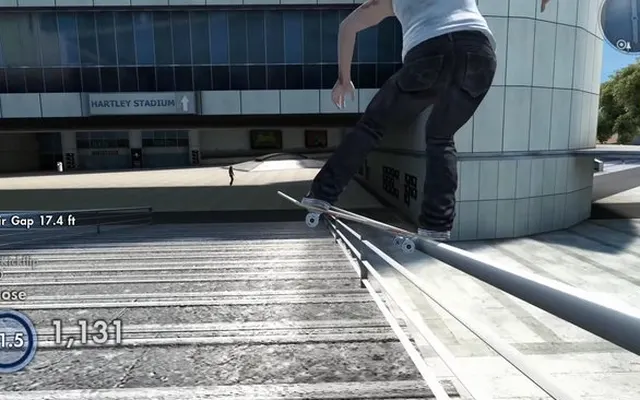 SportsSkate 3
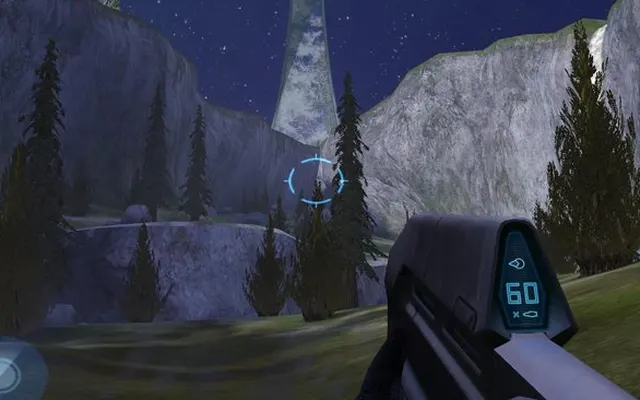 ShootersHalo CE
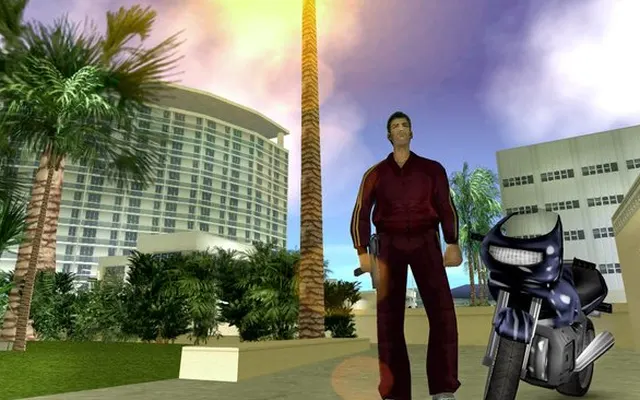 SandboxGTA Vice City
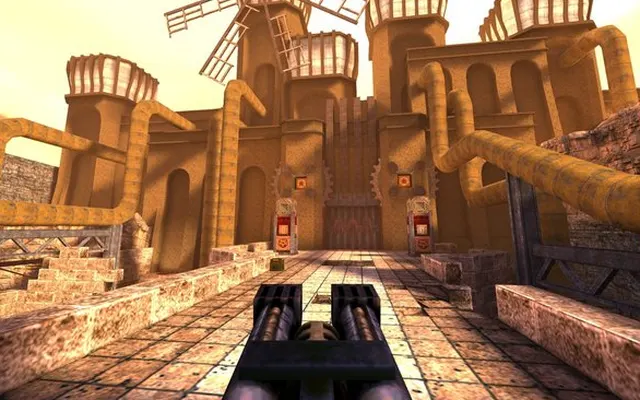 ShootersQuake 1
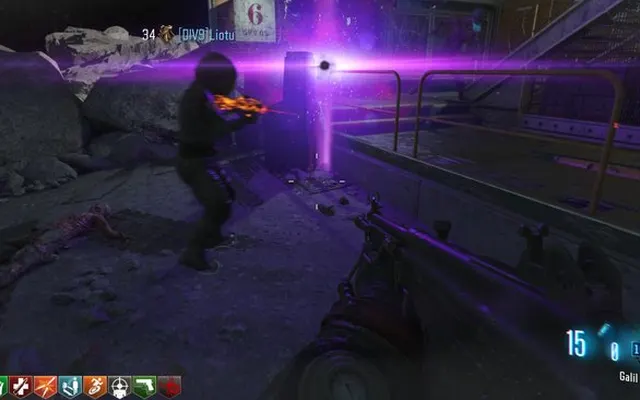 ShootersMoon
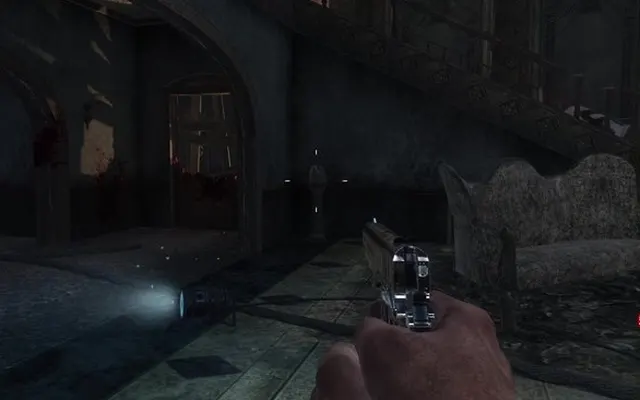 ShootersKino der Toten
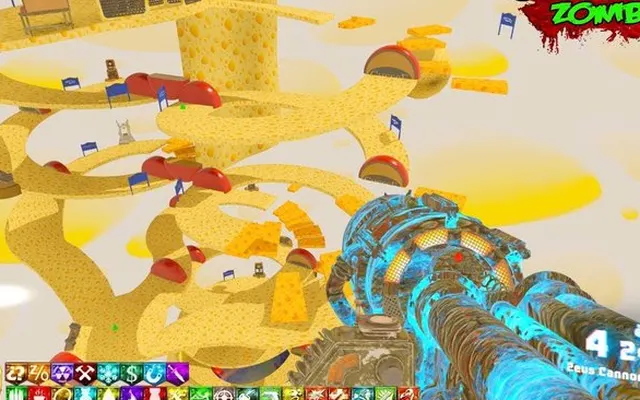 ShootersCheese Cube
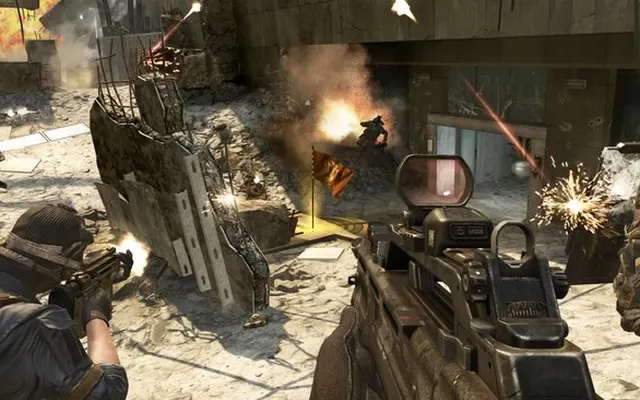 ShootersBlack Ops 2
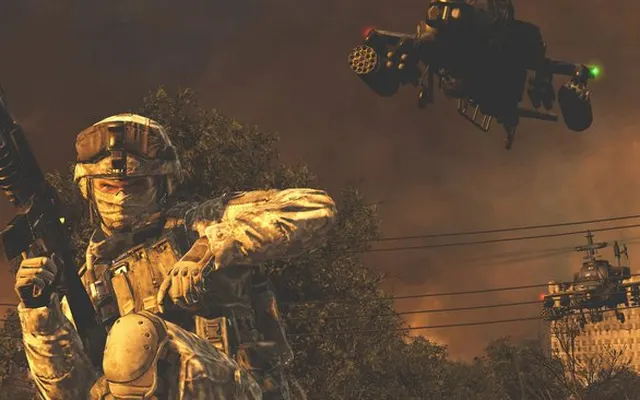 ShootersMW2
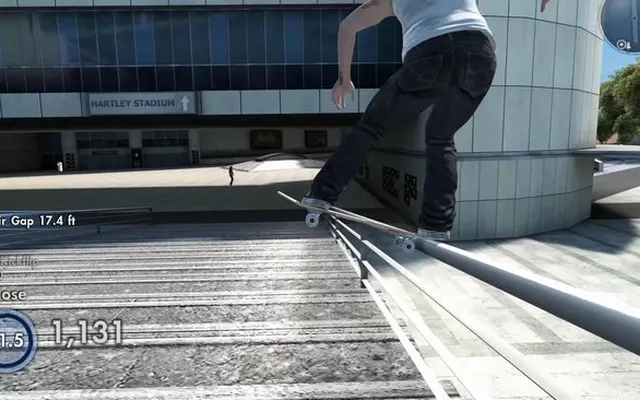 SportsSkate Rust
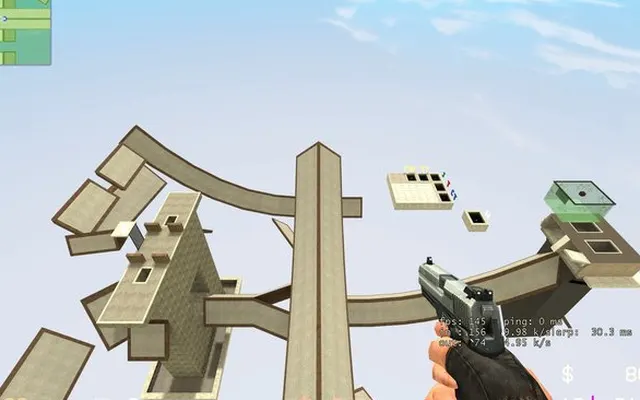 ShootersCS Surf
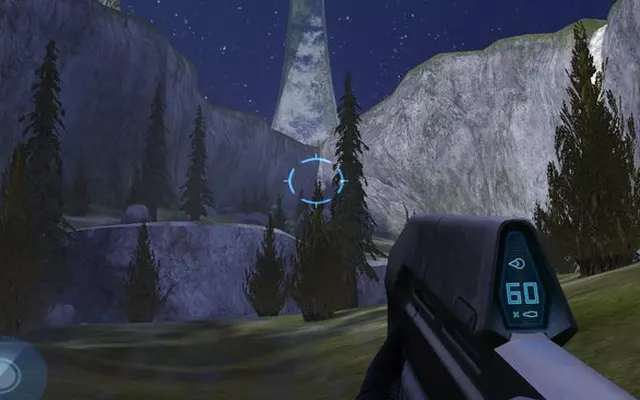 ShootersHalo CE Mobile
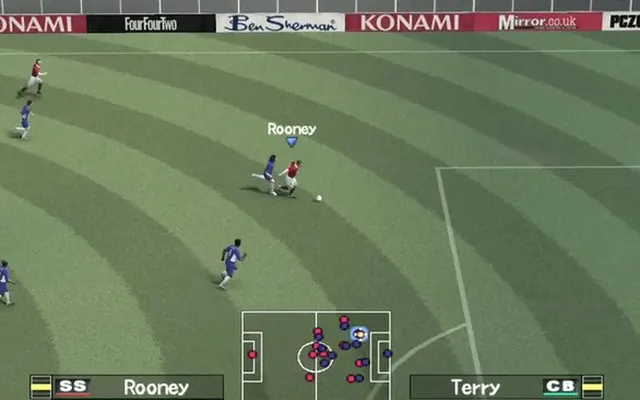 SportsPES 6
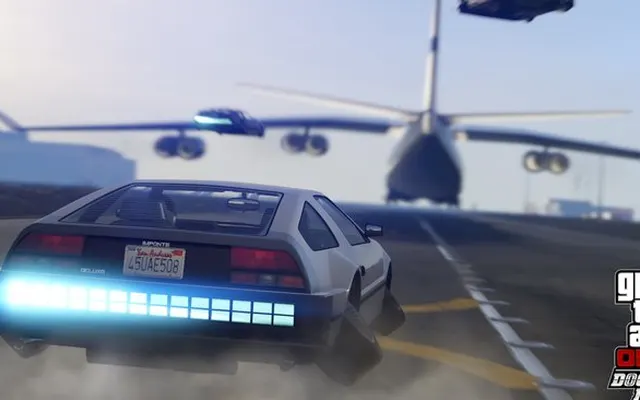 SandboxGTA 5
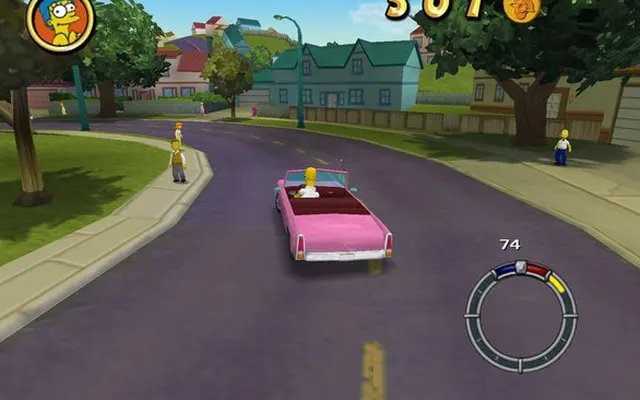 SandboxSimpsons Hit & Run
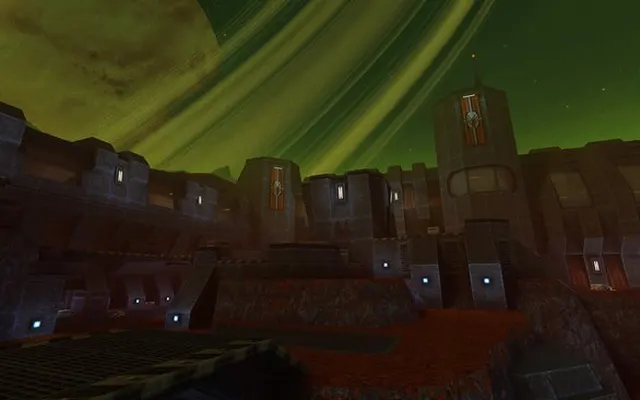 ShootersQuake 2
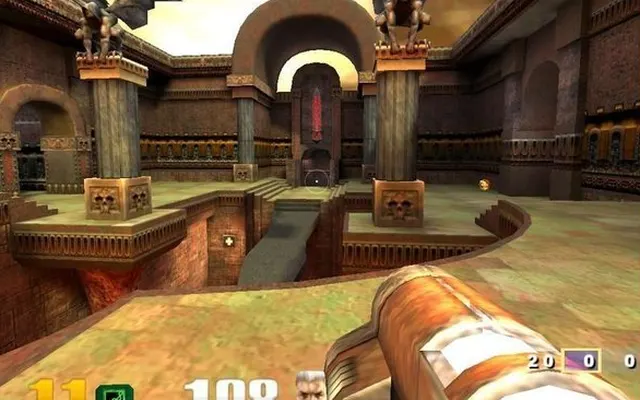 ShootersQuake 3
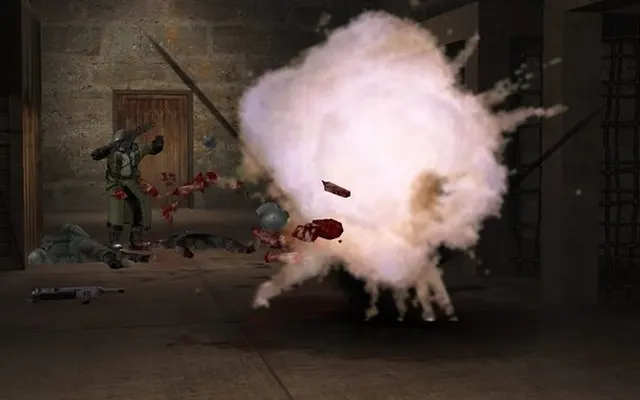 ShootersRTCW
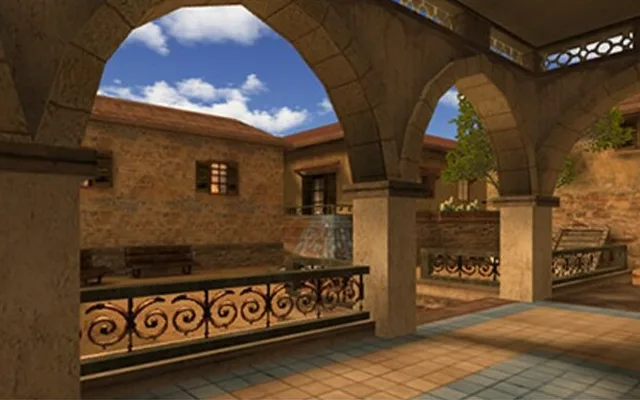 ShootersUrban Terror
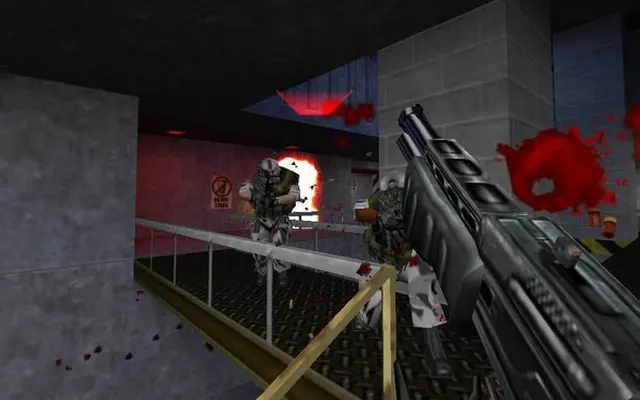 ShootersHalf-Life
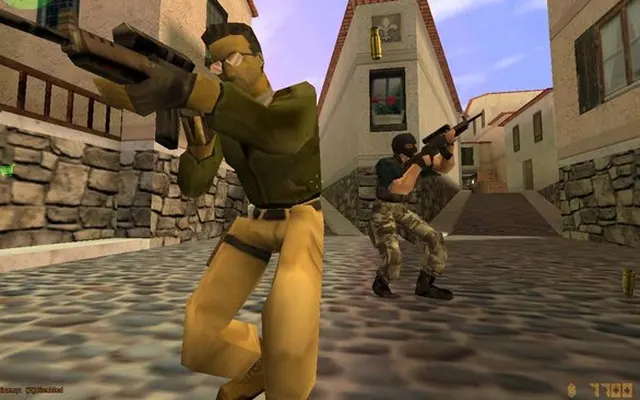 ShootersHL / CS 1.6
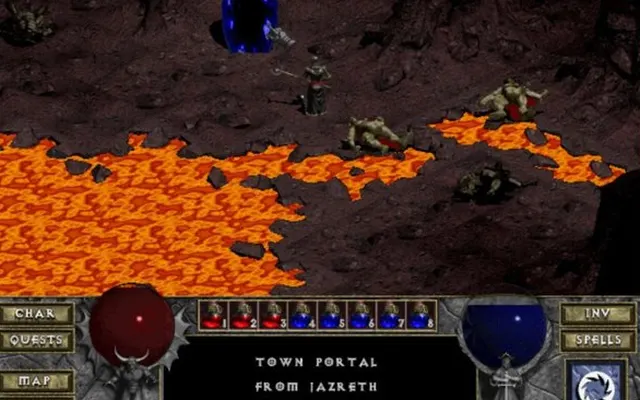 RPGDiablo
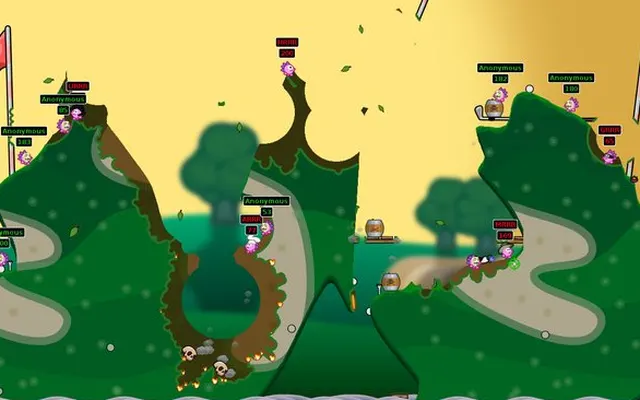 StrategyHedgewars
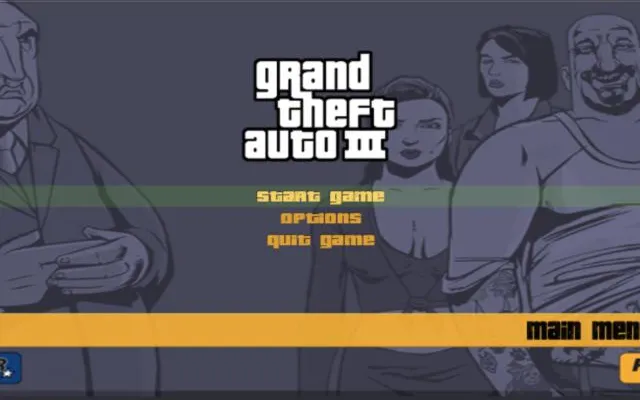 SandboxGTA 3
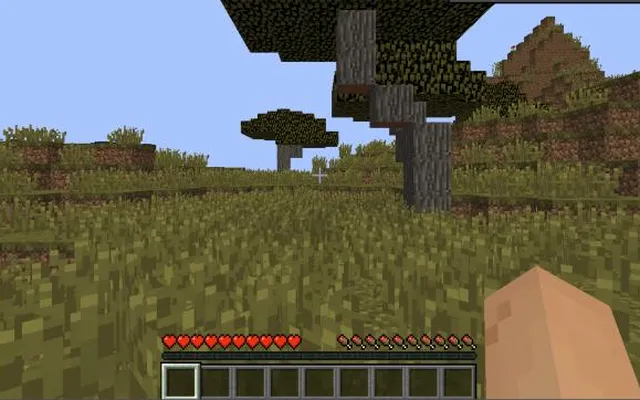 SandboxMinecraft
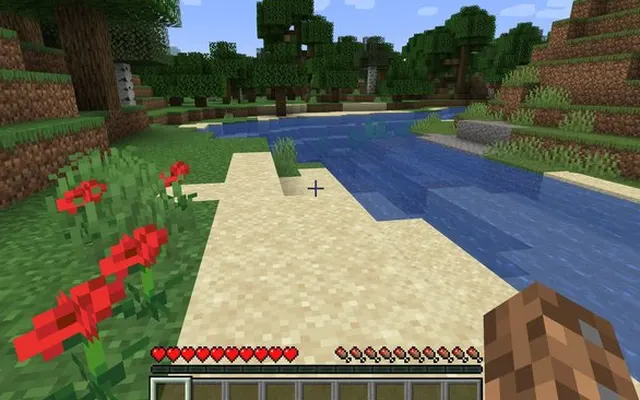 SandboxWASM Arcade
 ArcadeSubway Surfers
 PlatformersLevel Devil
 ArcadeStickman Hook
 SimulationMonkey Mart
 RacingDrive Mad
 SportsRetro Bowl
 PuzzlesBlocky Blast Puzzle
 RacingSmash Karts
 RacingDrift Boss
 ArcadeSlice Master
 Puzzles2048
 SimulationCookie Clicker
How it works
- 1
Your next game
Search by name or narrow the directory by genre and device.
- 2
Setup at a glance
Check whether a project needs extra preparation or your own game data.
- 3
The original project
Open the linked website for its latest build and instructions.
ShootersQuake 1Classic spotlight
Quake.
One more round.
A familiar arena, a fresh browser tab. Revisit one of the games that made fast movement matter.
Collections
Quick browser breaks
Runners, puzzles and casual favourites.
All browser games
The complete directory, in one place.
Classics, rediscovered
Familiar worlds. A different way to play.
Play together
Movement, arenas and multiplayer projects.
On your phone
Projects made with mobile browsers in mind.
Something missing?
Share a browser game project with the directory.
PC favourites, browser editions.
WebAssembly and WebGL give community developers another way to bring games to the web. Some projects open with a click; others need a longer download or files from an existing game installation.
This directory keeps the projects together and makes their differences visible. Browse the full list, keep a few favourites, or explore a genre. Each destination runs independently, so availability can change.
Browse by genre
Questions
What can I find here?
Browser game projects, community ports and remakes, grouped by genre and setup requirements. Each game links to a separate project website.
How do I start playing?
Choose a game, check its device and setup labels, then open its project website. The detail page includes steps and controls to help you get started.
What does “Bring game files” mean?
Some web engines need the original game data. Use files from a copy you own and follow the instructions on the project website.
Why does a game fail to load?
The linked project may be offline, busy or incompatible with your browser. Check its own instructions and try an up-to-date desktop browser.
Where are my saved games stored?
Only in this browser, on this device. Clearing site data removes them. There is no account and no cross-device sync.
Can I play on a phone?
Use the Mobile filter to find projects aimed at phones. A desktop-only entry may not have usable touch controls.
Are the setup labels a guarantee?
No. These are directory notes, not live service checks. Third-party projects can change their requirements or become unavailable.