 ShootersBO1 Zombies
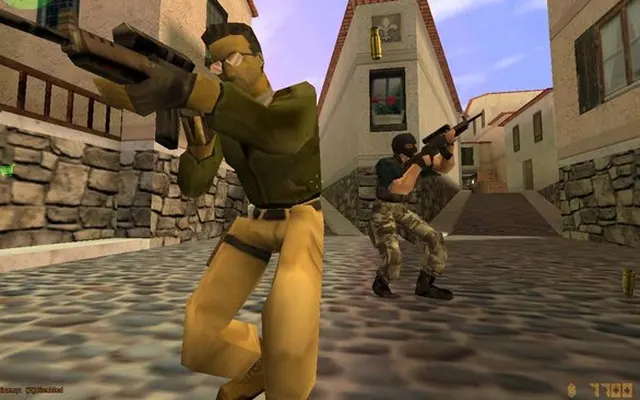 ShootersHL / CS 1.6
Shooters
Half-Life / CS 1.6 (webXash)
Bring game filesDesktop
webXash is a browser engine project for Half-Life related content. Supply the required game data from a copy you own.
x8bitrain.github.io ↗
Requires compatible files from a game copy you own.
Before you play
A webXash engine project for Half-Life and related game data. Compatibility depends on the files and build.
- Use compatible files from your own game installation.
- Follow the webXash setup flow. A working public Counter-Strike server is not guaranteed.
Project information checked October 10, 2026. A responding page is not a gameplay test.
We link to this project but do not run it. Features, content and availability may change independently of this directory.
Browser game optimization
HL / CS 1.6: performance & optimization FAQ
How do I avoid repeated webXash loading problems?
Follow the repository's folder layout: the selected root should contain valve, with cstrike alongside it for Counter-Strike. The engine copies files into its working memory; repeating a malformed import will not improve performance. Export saves from the save manager before clearing browser data.
Why does crouch-jumping close my browser tab?
The maintainer notes that Ctrl+W can conflict with the browser shortcut and recommends fullscreen. Check or remap bindings before playing. Fullscreen is an input workaround here, not a promise of higher FPS; the save manager is disabled for Counter-Strike 1.6.
What browser checks should I try for HL / CS 1.6?
Keep the game tab visible and pause other games or video. If Chrome Energy Saver is active, compare with it off while plugged in; restore it if there is no benefit. Change one thing at a time and repeat the same scene. Export any available save backup before clearing site data or switching browser profiles.
For browser settings and a step-by-step diagnosis, read How to optimize browser games.
Reviewed October 10, 2026. Suggestions are troubleshooting steps, not measured performance gains.
Sources & further reading