 SandboxGTA Vice City
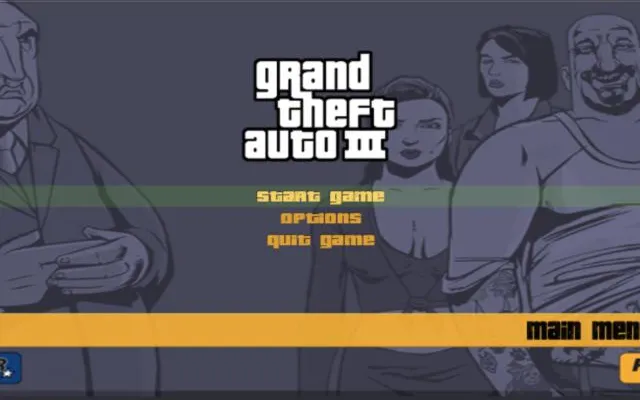 SandboxGTA 3
Sandbox
GTA III
May need setupDesktop
A GTA III entry on WASM Arcade. Check the destination for its latest availability, file requirements and browser support.
wasmarcade.com ↗
Check the project instructions for downloads, required files and supported browsers.
Before you play
The WASM Arcade game page responded. The actual player and game-data requirements have not been play-tested.
- Open the GTA III entry on WASM Arcade.
- Review the player instructions and any file requirements before starting.
Project information checked October 10, 2026. A responding page is not a gameplay test.
We link to this project but do not run it. Features, content and availability may change independently of this directory.
Browser game optimization
GTA 3: performance & optimization FAQ
Why might GTA III pause when I enter a new area?
The host describes streamed assets with browser storage. To distinguish loading from rendering, revisit the same short route after assets have arrived and compare it with the first drive. Pause other downloads during that test. This is a diagnostic comparison, not a measured fix.
Should I clear GTA III's cache?
Export saves through the project's save manager first. Clearing site data can remove stored assets and saves, forcing another download. Try a reload and a repeat drive before using a storage reset as a last resort.
What browser checks should I try for GTA 3?
Keep the game tab visible and pause other games or video. If Chrome Energy Saver is active, compare with it off while plugged in; restore it if there is no benefit. Change one thing at a time and repeat the same scene. Export any available save backup before clearing site data or switching browser profiles.
For browser settings and a step-by-step diagnosis, read How to optimize browser games.
Reviewed October 10, 2026. Suggestions are troubleshooting steps, not measured performance gains.
Sources & further reading