 SandboxGTA 5
 SandboxGTA Vice City
Sandbox
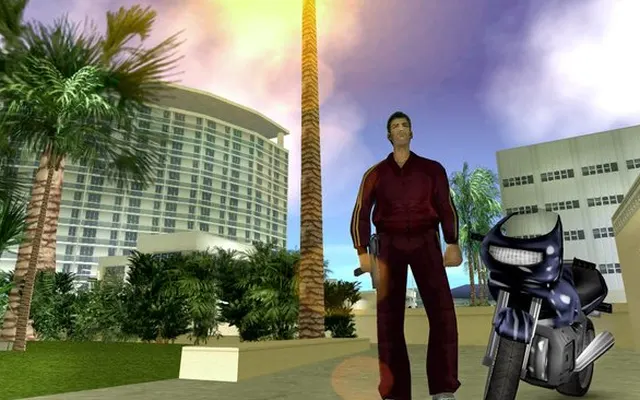
GTA: Vice City (WASM)
Bring game filesDesktop
A Vice City WebAssembly port that loads game.tar.gz from your own game copy. Imported files are stored locally in your browser.
joncodeofficial.github.io ↗
Requires compatible files from a game copy you own.
Before you play
The port requires your own game.tar.gz archive. Original game data is not bundled.
- Follow the project instructions to prepare game.tar.gz from your own copy.
- Import the archive in the browser. The project stores imported files locally for later sessions.
Project information checked October 10, 2026. A responding page is not a gameplay test.
We link to this project but do not run it. Features, content and availability may change independently of this directory.
Browser game optimization
GTA Vice City: performance & optimization FAQ
What should I set Max FPS to?
The launcher exposes Max FPS, with 0 meaning unlimited. Try a cap your device can sustain, such as 30 or 60, and compare the same drive. A cap can trade peak frame rate for steadier delivery and lower power use; it cannot make a device reach that frame rate.
Should I reimport game.tar.gz to fix stuttering?
Not as a first step. The port keeps imported data in browser storage. Check whether the problem is initial loading or sustained movement before repeating a large import. Export saves before clearing the project's site data.
What browser checks should I try for GTA Vice City?
Keep the game tab visible and pause other games or video. If Chrome Energy Saver is active, compare with it off while plugged in; restore it if there is no benefit. Change one thing at a time and repeat the same scene. Export any available save backup before clearing site data or switching browser profiles.
For browser settings and a step-by-step diagnosis, read How to optimize browser games.
Reviewed October 10, 2026. Suggestions are troubleshooting steps, not measured performance gains.
Sources & further reading