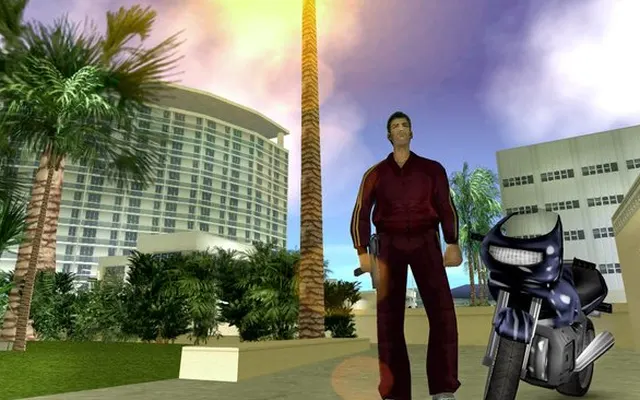
 SandboxGTA Vice City
 SandboxGTA 5
Sandbox
GTA 5 (Archived page)
Archived pageDesktop
An archived page for a GTA 5 browser project. This is a historical link, not a confirmed playable version of GTA V.
web.archive.org ↗
This link opens an archived website. A working game is not confirmed.
Before you play
An Internet Archive snapshot of playgta5.com. An archived landing page does not establish that GTA V is playable in a browser.
- The button opens the archived page for reference.
- For other GTA web projects, see the Vice City and GTA III entries and their file requirements.
Project information checked October 10, 2026. A responding page is not a gameplay test.
We link to this project but do not run it. Features, content and availability may change independently of this directory.
Browser game optimization
GTA 5: performance & optimization FAQ
Can I optimize the archived GTA V page for play?
This link preserves a historical website, not a verified running client. Browser performance settings cannot recreate missing game code or servers. For a playable-session troubleshooting example, use the separate Vice City or GTA III project notes and their own requirements.
What browser checks should I try for GTA 5?
Keep the game tab visible and pause other games or video. If Chrome Energy Saver is active, compare with it off while plugged in; restore it if there is no benefit. Change one thing at a time and repeat the same scene. Export any available save backup before clearing site data or switching browser profiles.
For browser settings and a step-by-step diagnosis, read How to optimize browser games.
Reviewed October 10, 2026. Suggestions are troubleshooting steps, not measured performance gains.
Sources & further reading