 SandboxGTA Vice City
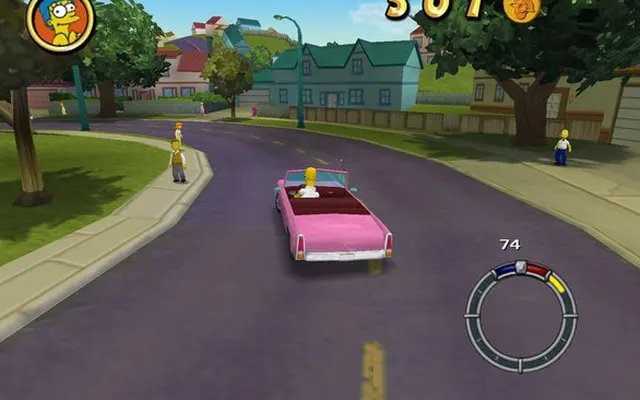 SandboxSimpsons Hit & Run
Sandbox
The Simpsons: Hit & Run
May need setupDesktop
A WebAssembly project for The Simpsons: Hit & Run. Refer to the host for setup, game data and browser compatibility.
shar-wasm.cjoseph.workers.dev ↗
Check the project instructions for downloads, required files and supported browsers.
Before you play
The WebAssembly player page responded. Gameplay and the current file-loading flow have not been verified.
- Open the player and wait for its loading screen.
- Follow any file prompts on the project page; this directory does not supply game data.
Project information checked October 10, 2026. A responding page is not a gameplay test.
We link to this project but do not run it. Features, content and availability may change independently of this directory.
Browser game optimization
Simpsons Hit & Run: performance & optimization FAQ
Does skipping the movie improve Hit & Run performance?
The listed address includes skipmovie, but that is not evidence of higher in-game FPS. Treat startup and driving as separate tests: first let the player finish loading, then compare the same route. No graphics controls have been verified for this build.
What browser checks should I try for Simpsons Hit & Run?
Keep the game tab visible and pause other games or video. If Chrome Energy Saver is active, compare with it off while plugged in; restore it if there is no benefit. Change one thing at a time and repeat the same scene. Export any available save backup before clearing site data or switching browser profiles.
For browser settings and a step-by-step diagnosis, read How to optimize browser games.
Reviewed October 10, 2026. Suggestions are troubleshooting steps, not measured performance gains.
Sources & further reading