 ShootersBO1 Zombies
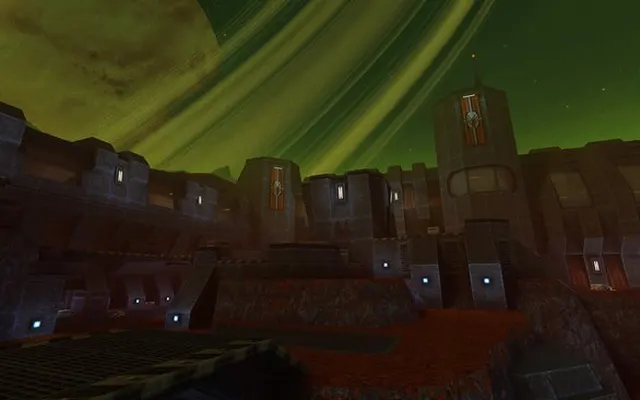 ShootersQuake 2
Shooters
Quake II
Ready to playDesktop
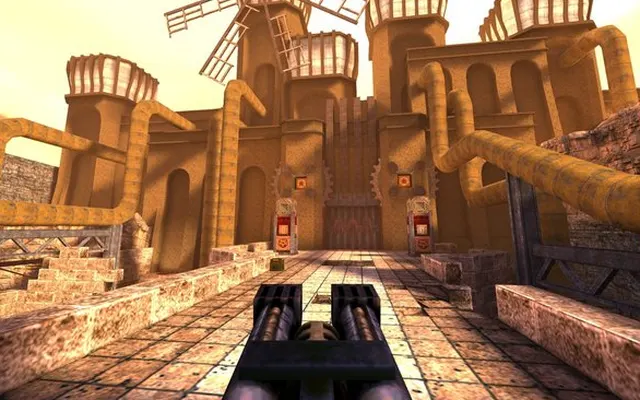
Quake II in a browser, with its industrial science-fiction setting and classic first-person combat.
q2.pieter.com ↗
Listed as browser-ready. Availability depends on the project host.
Before you play
The asset download completed and a live multiplayer scene appeared. The session reached a death/scoreboard view; reliable movement and respawning were not confirmed.
- Enter a player name and select PLAY.
- Wait for the client assets to download, then click the game canvas.
- Review the in-game controls if you remain on a scoreboard or cannot move.
October 10, 2026 · Apple silicon Mac · macOS 27.0 · Codex in-app browser. Scene loaded; full input verification remains open.
Questions before you play
Does the browser client load?
It downloaded assets and rendered a live multiplayer scene during this check. We did not confirm reliable respawning or movement.
We link to this project but do not run it. Features, content and availability may change independently of this directory.
Browser game optimization
Quake 2: performance & optimization FAQ
Is the Quake II scoreboard a performance problem?
Not necessarily. Our check reached a rendered multiplayer scene and a death/scoreboard view. Check focus, the join flow and respawn bindings before treating inability to move as low FPS. A responsive scoreboard is different from a frozen renderer.
What browser checks should I try for Quake 2?
Keep the game tab visible and pause other games or video. If Chrome Energy Saver is active, compare with it off while plugged in; restore it if there is no benefit. Change one thing at a time and repeat the same scene. Export any available save backup before clearing site data or switching browser profiles.
For browser settings and a step-by-step diagnosis, read How to optimize browser games.
Reviewed October 10, 2026. Suggestions are troubleshooting steps, not measured performance gains.
Sources & further reading