 ShootersBO1 Zombies
 ShootersQuake 3
Shooters
Quake III Arena
Ready to playDesktop
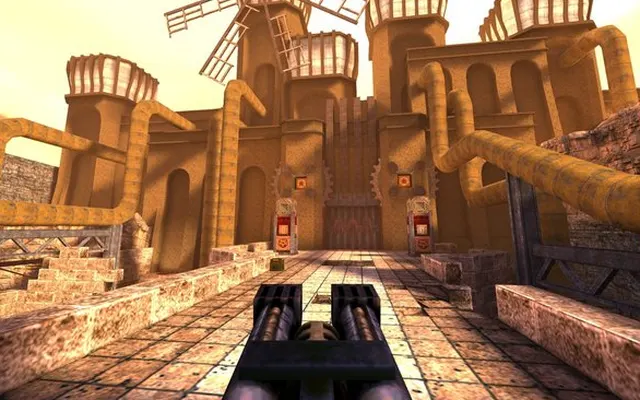
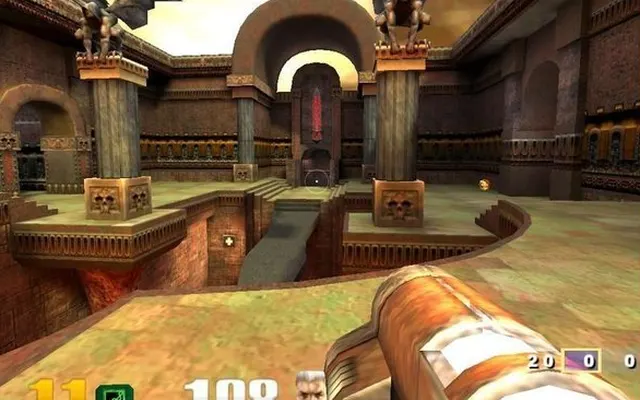
Arena combat built around movement, weapons and timing. This web project offers a browser entry point to Quake III.
q3.pieter.com ↗
Listed as browser-ready. Availability depends on the project host.
Before you play
Loaded the arena, joined a live multiplayer session and checked forward movement and jumping. The player name appeared in the scoreboard.
- Enter a player name and select PLAY on the project page.
- Wait for the arena assets to download; the first pack shown in our session was about 75 MB.
- Click the canvas to enter the action and use the game menu to review controls.
Controls
W moves forward; Space jumps. Click the game canvas to focus input.
October 10, 2026 · Apple silicon Mac · macOS 27.0 · Codex in-app browser. Short multiplayer/input check; mobile and gamepad support were not tested.
Questions before you play
Can I join without creating an account?
Our session started with a player name and the PLAY button, without account registration.
Why does the first launch take longer?
The client downloads arena assets before play. The first pack shown in this test was about 75 MB.
Was mobile play tested?
The project advertises mobile and gamepad support. This check covered desktop keyboard input only.
We link to this project but do not run it. Features, content and availability may change independently of this directory.
Browser game optimization
Quake 3: performance & optimization FAQ
How should I troubleshoot Quake III arena lag?
Wait until arena assets finish downloading, then compare movement in one arena. If your view turns smoothly but opponents snap between positions, investigate connection quality before graphics. Pause competing downloads and compare another session; a higher local FPS counter does not measure server delay.
What browser checks should I try for Quake 3?
Keep the game tab visible and pause other games or video. If Chrome Energy Saver is active, compare with it off while plugged in; restore it if there is no benefit. Change one thing at a time and repeat the same scene. Export any available save backup before clearing site data or switching browser profiles.
For browser settings and a step-by-step diagnosis, read How to optimize browser games.
Reviewed October 10, 2026. Suggestions are troubleshooting steps, not measured performance gains.
Sources & further reading